One-tap clock in and clock out
Open a worksite or a job, tap Clock in. Your current shift stays pinned at the top of the Work tab with a running clock, so clocking out is never more than a tap away.
 iPhone time clock for painters and trade crews · iOS 16 or later
Record your hours. Send them anywhere.
Tap once to clock in at your own worksite or your company’s job. Sun Sub records your hours on the spot, verified by location, saved even without signal, and turns them into a signed report that anyone can check online.
Any US or Canadian mobile number can sign up. Message and data rates may apply for the sign-in text. Recording your hours is free; creating and sending signed reports is a monthly subscription, bought in the app through the App Store or by card on our website.
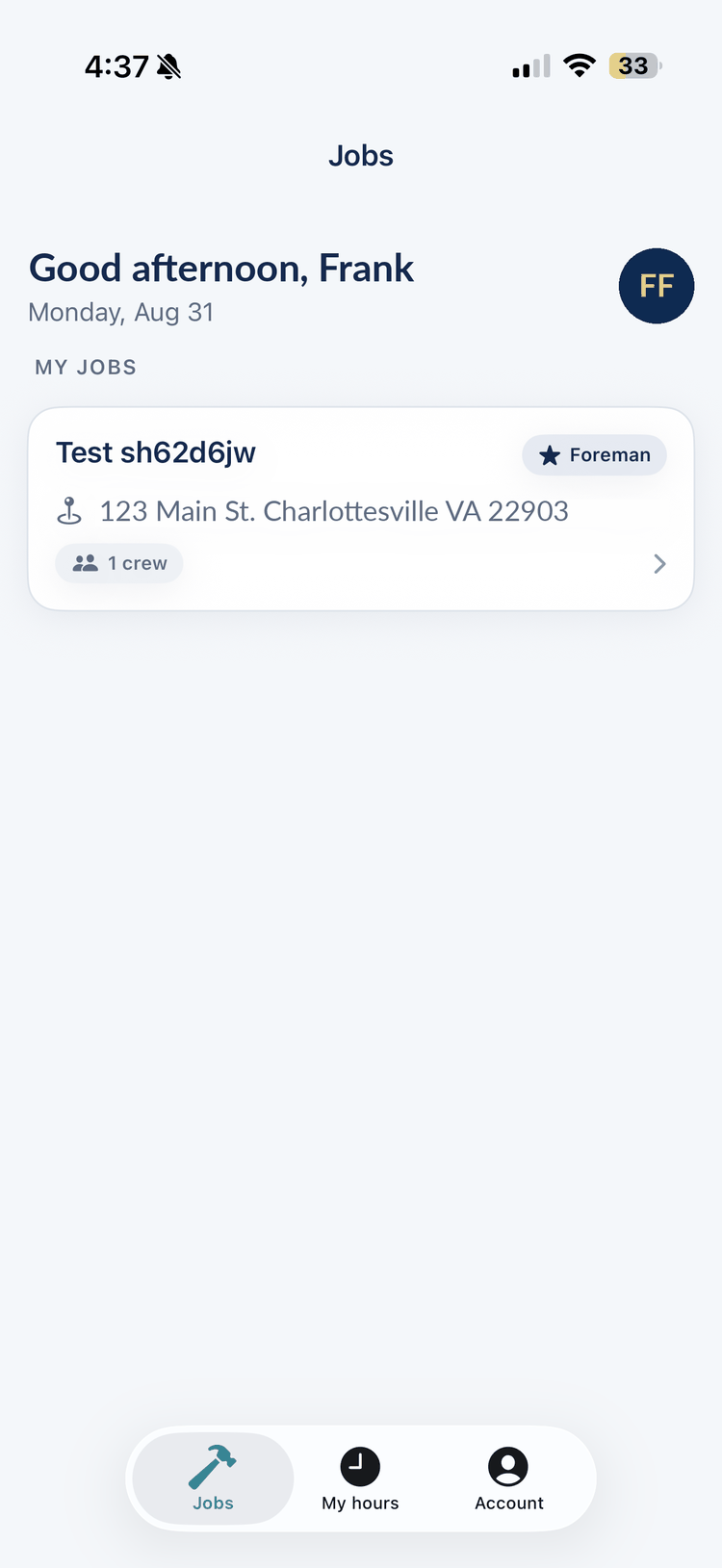
Clock in when you arrive, clock out when you leave, and know your hours are recorded — wherever you work and whoever you work for.
Open a worksite or a job, tap Clock in. Your current shift stays pinned at the top of the Work tab with a running clock, so clocking out is never more than a tap away.
You turn location on to clock in — that’s how Sun Sub places your hours at the site. At a company job the punch is checked against the site circle the company approved; at your own worksite, against the pin you set there. Outside the circle, or with no pin yet, it still records and is marked not verified. And once you’re clocked in, a dropped signal never loses the shift: your clock-out still records.
Every punch is saved on your phone before it’s sent, and sent again automatically when you’re back in coverage. A dead spot or a closed app doesn’t lose a punch you’ve already tapped, and a resent punch is never counted twice. Punches recorded offline are marked as timed by your phone rather than by our server, and a report says so.
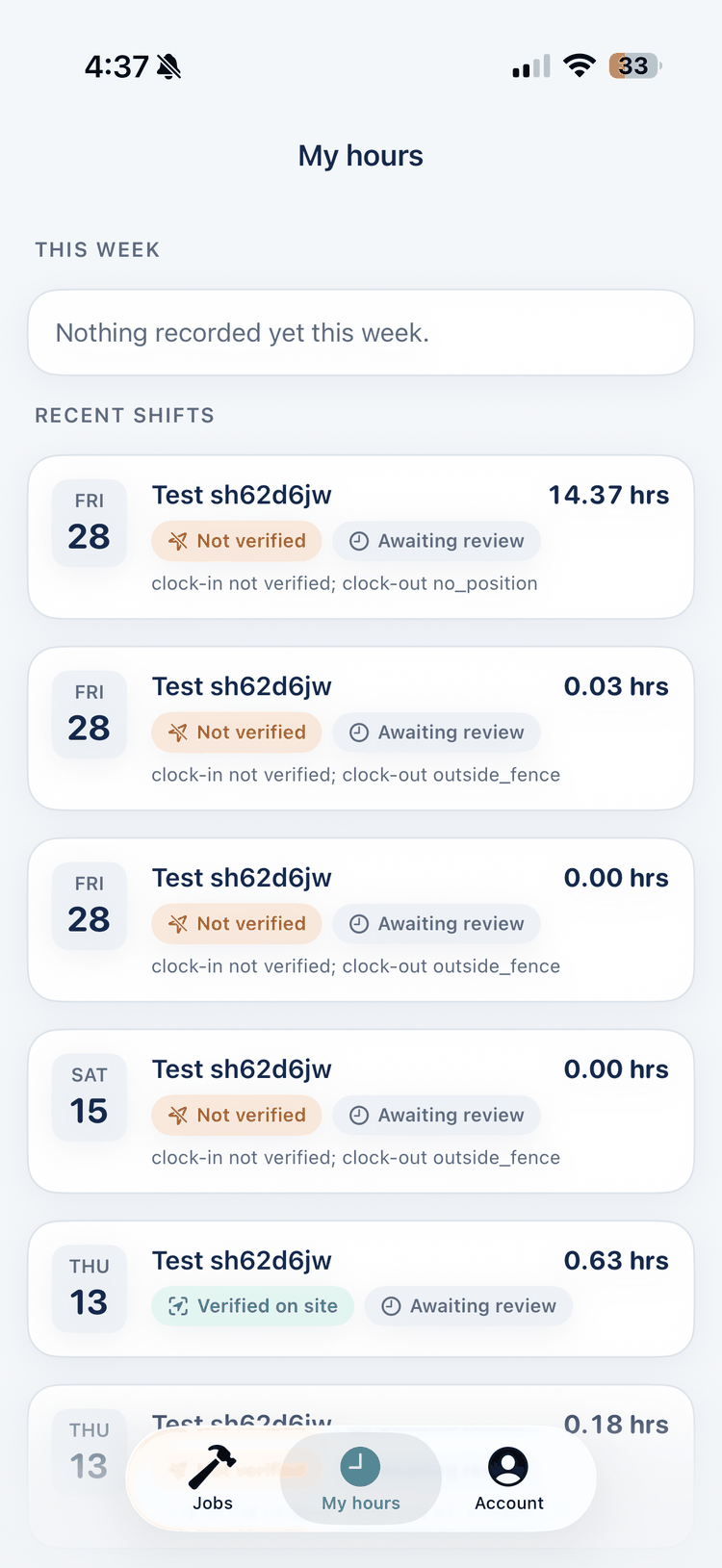
See every shift you’ve worked, with this week’s recorded and verified totals, the running time for the shift you’re on, and, for company jobs, what your supervisor confirmed. No more waiting for payday to find a mistake.
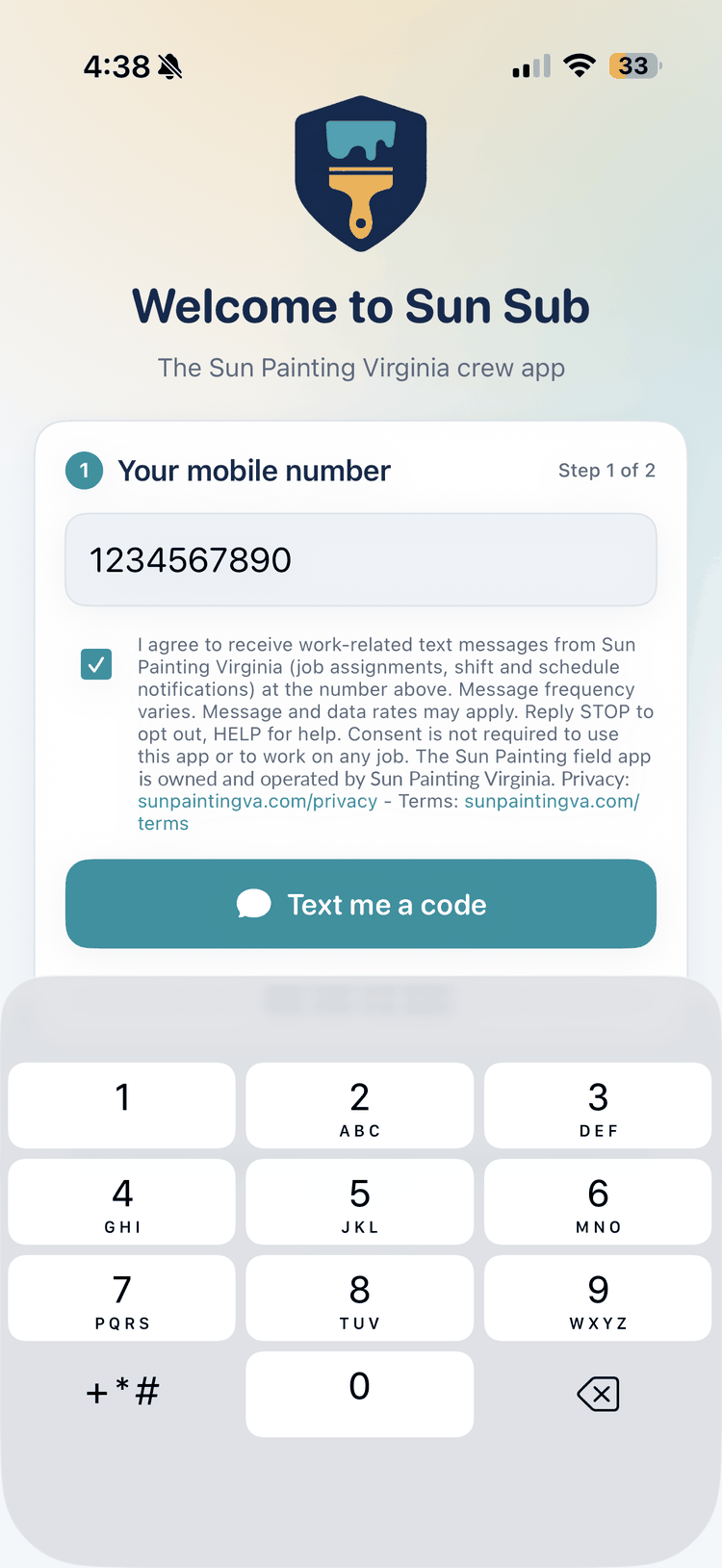
No roster needed and no password. Your mobile number is your account.
Enter your US or Canadian mobile number and we text you a one-time code. The first time in, you read the key points of the Sun Sub Terms of Use (the full terms are one tap away), accept them with a finger signature and your typed name, and add your name — an email address is optional. You stay signed in on that phone for up to 90 days.
The text-message consent box on the sign-in screen is optional. It isn’t required to use the app or to work on any job.
Give the place a name and, if you like, an address. Stand on site and tap “Set site pin here” so punches there can be verified; you choose the radius. If the company you work for runs its crews on Sun Sub, its foreman or office can invite you instead: accept in the app and their jobs appear next to your worksites.
Open the worksite or job and tap Clock in. The app takes one location fix at that moment to check you’re at the site, and you’re on the clock. Tap Clock out when you leave.
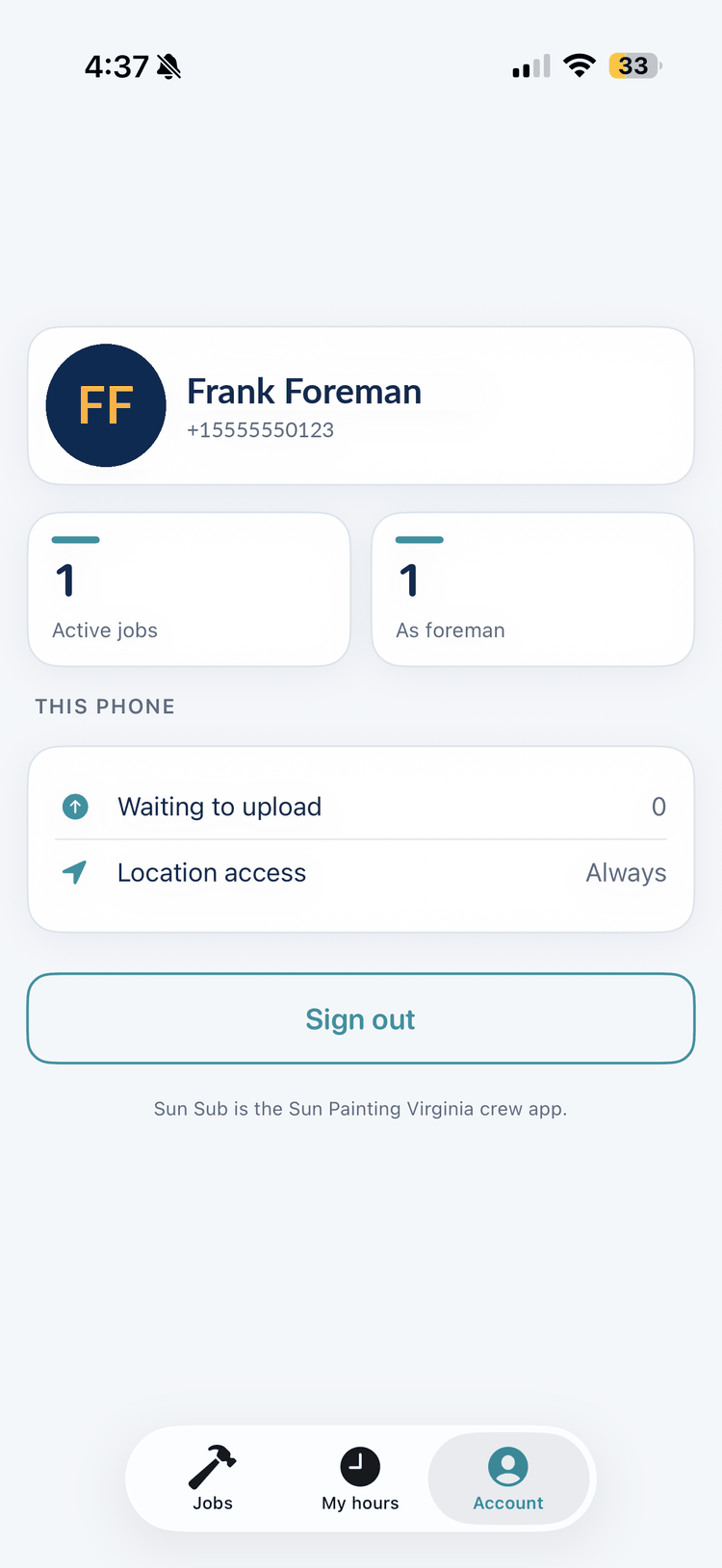
The first time you tap Clock in, the app explains when it uses your location and when it never does, then iOS asks to allow it while using the app. That’s the only permission Sun Sub asks for: never “Always”. While you’re clocked in your phone keeps checking, on the phone, that you’re still on site, and clocks you out if you leave for more than 10 minutes.
Pick a period, add the employer’s name and email, and Sun Sub builds a PDF of your hours and signs it. Email it from the app, share the file, or keep it. Whoever receives it can check it in seconds.
Every shift in the period with the date, site, clock-in, clock-out and hours, plus where each number came from: whether the time was stamped by our server or by your phone offline, whether the punch was checked against a company site circle or a pin you set, and whether it was on site. Shifts that can’t be counted — still open, closed automatically, rejected by a company supervisor, or over the daily limit — are listed under “Not counted” and never added in.
Our server signs the report’s data with a private key (RSA-PSS with SHA-256) and stores that signed record with the report. The PDF carries the record and signature as an attachment, and prints the report id, the record’s fingerprint, a QR code and the link to check it. We also keep a fingerprint of the exact file we issued.
“Any change to the file is detected by the online verifier (byte-exact match against the file we issued). The embedded record is digitally signed and can be checked offline with our public key. The printed pages themselves are not signed — always trust the verifier’s numbers, not the numbers printed on a file that fails the byte-exact check.”
Verify a report: upload the PDF or type the report id. Public keys are published at /sunsub/keys.
Recording and viewing your hours is free. Creating and emailing signed reports, and linking your account to a company yourself, is a Sun Sub subscription: $119.99 a month as an in-app subscription through the App Store (Account → Subscription), or $120 a month by card on our website where the app offers that link. Cancel any time; the features stay on until the end of the month you paid for. Anything a company’s foreman or office sets up for you never needs a subscription. More about the subscription.
Companies that run their crews through Sun Painting Virginia’s system can receive your hours directly. Nothing is shared until you link the company, and you can see exactly what it gets.
Your foreman or the company’s office adds your number and you get an invite to accept or decline in the app. Or you type the company’s name yourself: if your number is on the company’s pre-approved list, we text you a second code to confirm it’s you, and the link is made. Nobody can link your account without one of those two steps.
Shifts on the company’s own jobs are the company’s records, the same as today. Hours at your own worksites stay private unless you turn on “Share my worksite hours with my company” — a switch you can flip off again at any time.
Accounts you created yourself can unlink from the Account tab (clock out first). Accounts a company created for its crew are managed by that company’s office.
On company jobs, each job has one foreman per crew company. The foreman gets everything above, plus these.
Add crew members by name and mobile number right from the roster, and mark who prefers Spanish. They get a text with the download link (unless they’ve opted out of our texts) and can sign in right away. If the number already has its own Sun Sub account, that person gets an invite to accept in the app instead.
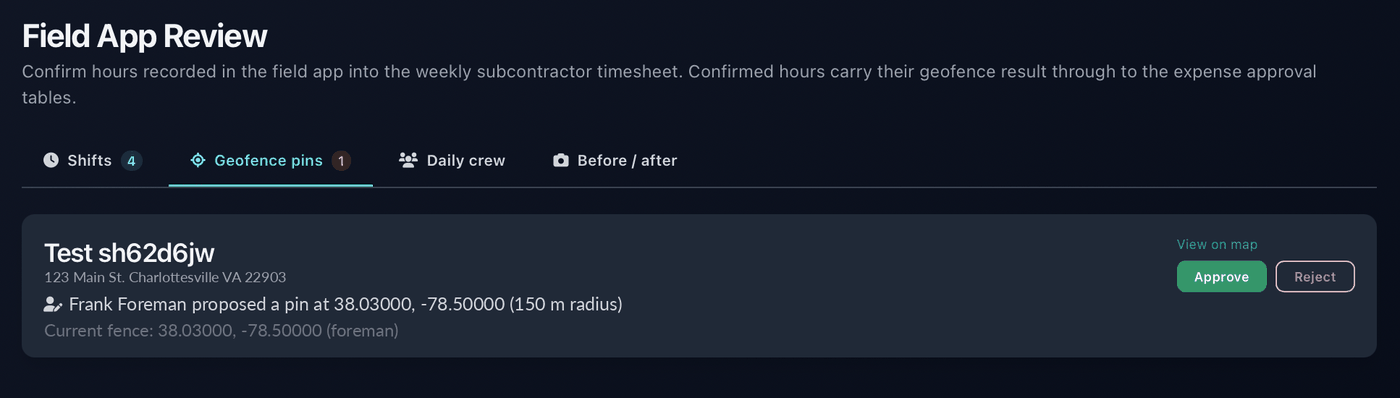
No pin on the job yet, or the pin is in the wrong place? Stand on site and tap “Set the site location here”. The office approves the pin before it’s used to verify anyone’s punches.
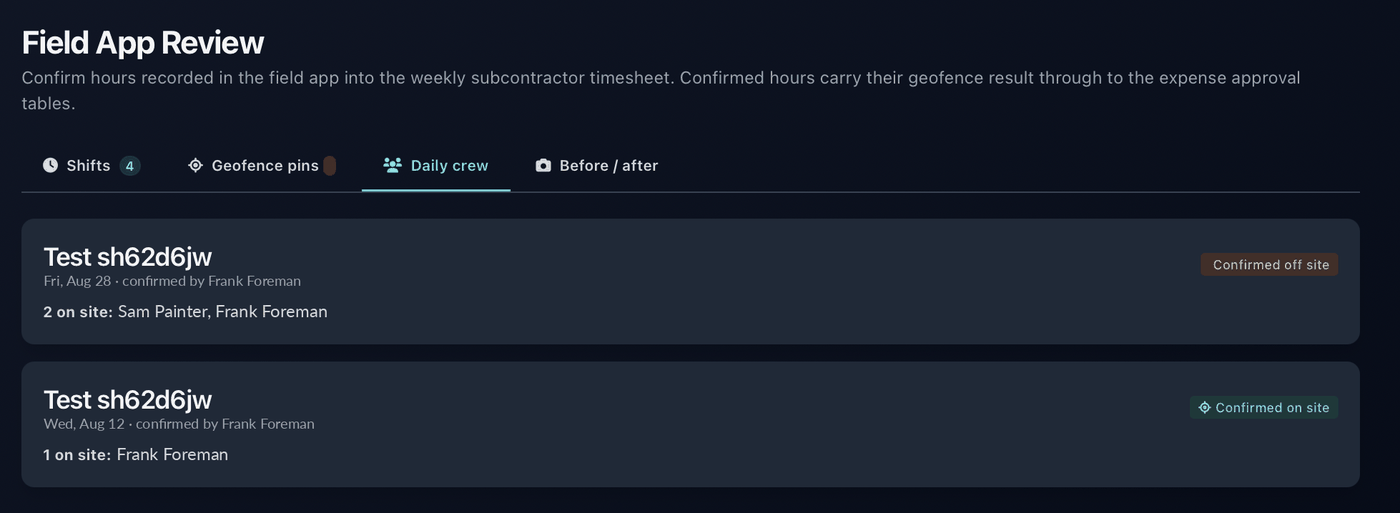
Tick who’s on site each day in a couple of taps. One confirmation per job per day goes to the office, by name.
Read the job’s scope in English or Spanish and sign off with your finger — ideally before the crew starts — so everyone begins from the same page. Anyone on the job can read the scope; the foreman signs it.
Capture before-and-after photo reports with per-photo notes, tied to the job, up to 12 photos per upload. Photos are re-encoded on your phone before they’re sent, so camera metadata never leaves the device. Protection for the crew and the company alike.
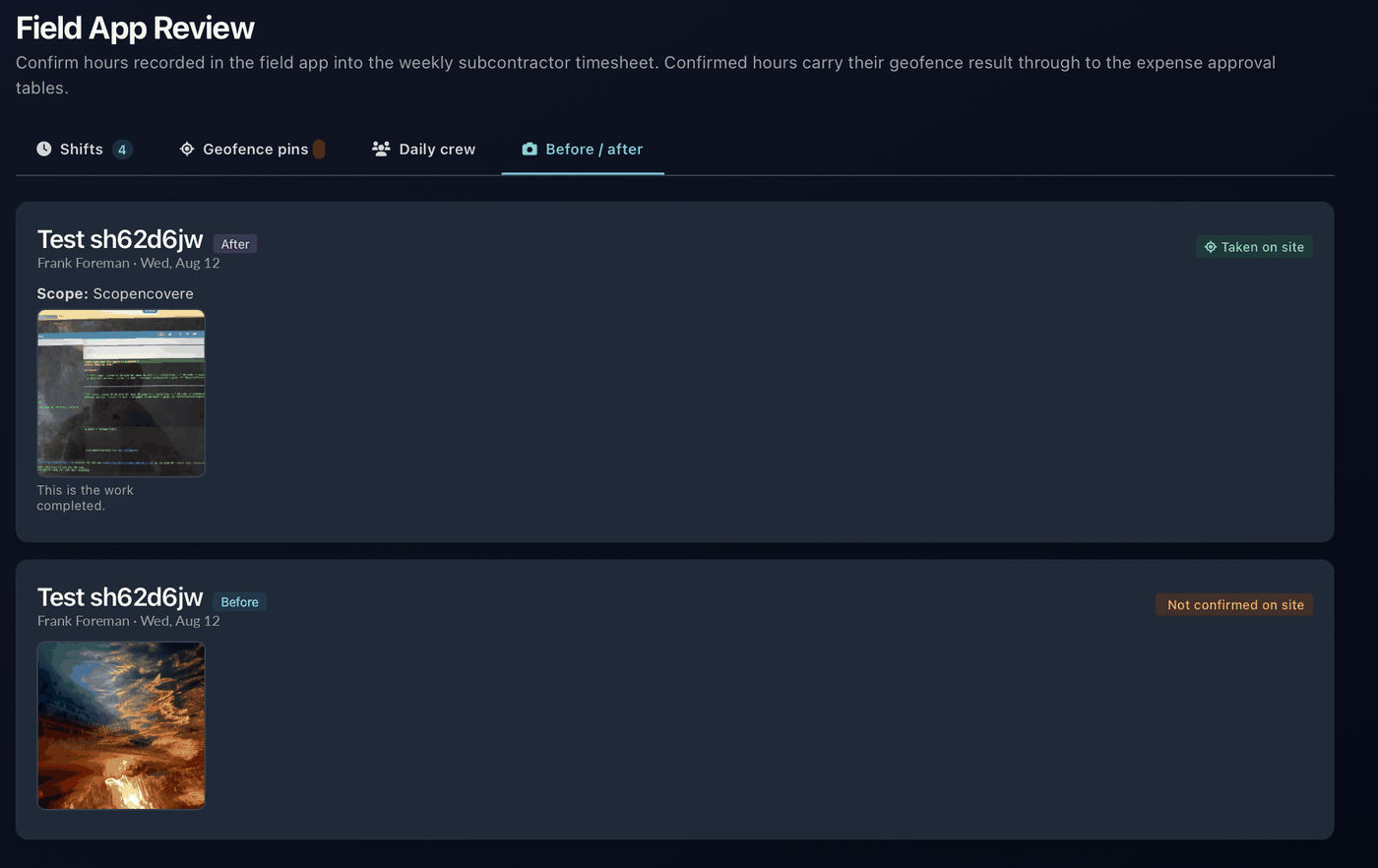
On company jobs, hours, daily crew confirmations, proposed site pins and photo reports flow directly into spvaTrack, Sun Painting Virginia’s project system, and show up in Field App Review. Your own worksites never do.
Supervisors and project managers see each shift with its punches: how far from the site, how accurate the fix was, whether it was recorded offline. They confirm, trim or reject with a memo, and what they confirm is what you see under Confirmed in My hours.
Confirmed shifts roll into the weekly subcontractor timesheet and carry their on-site result through to the expense approval tables.
A pin a foreman proposes takes effect only after the office approves it. Approved pins are what punches are checked against.
Subcontractor companies get a Sun Sub hours page of their own: who is linked, the pre-approved roster, pending invites, and the last 60 days of shifts, with worksite hours shown only for workers who chose to share them.
Sun Sub uses your location for one thing: your hours. One reading when you clock in, one when you clock out, a pin when you choose to set one — and, while you’re clocked in, a check that runs on your phone and stays there, so it can clock you out if you leave the site. Never off the clock. Never sent anywhere as a trail.
One fix when you tap Clock in or Clock out, and one when you tap “Set site pin here” on a worksite of your own. Foremen also get a fix when they confirm the day’s crew, submit a photo report or set a job’s site location. If a fix from a moment ago is still on hand, it’s attached when you accept the terms, sign the scope or upload a photo. That’s the full list; there is no continuous or periodic upload.
From version 1.4, your phone keeps checking whether you’re still inside that one site’s circle — the company’s approved fence or your own pin — for the whole shift, including with the app in the background; iOS shows its blue location indicator the whole time. If you’ve been outside the circle for more than 10 minutes you’re clocked out automatically, as of the moment you left, and the phone tells you. Nothing about that check leaves your phone: no trail, no history. The only things sent are your two punches (an automatic clock-out carries the last reading taken inside the site) and a yes or no on whether the check ran all shift. Off the clock the app doesn’t use your location at all, and it never asks for “Always”. Keeping location on through a shift uses some extra battery.
Clocking in needs location turned on, so Sun Sub can place you at the site. If it’s off, the app tells you and shows a shortcut to Settings instead of clocking you in. Once you’re clocked in, your hours keep recording even if location drops — those punches are just marked not verified.
Sun Sub is built only on Apple’s own frameworks: no third-party SDKs, no crash reporters, no ad networks. These web pages carry no third-party scripts either. Sun Painting Virginia never sells your information. A subscription bought in the app is handled entirely by Apple; one bought on our website is entered on our payment provider’s checkout page. Either way, your card details never touch our server.
An account you created yourself is yours alone: your worksites and the hours at them are seen by nobody but you until you send a report or link a company and choose to share. On company jobs, your name and mobile number appear on the crew roster and to that company’s foreman and to Sun Painting Virginia supervisors, project managers and office staff; crewmates can see whether you’re clocked in right now, never your shifts. Supervisors see where each punch was taken relative to the site — distance, accuracy and whether it was offline — and the punch coordinates are kept as evidence. Nobody gets a track of your day. Your number goes to our text-message provider to deliver codes and invites. The Privacy Policy lists everyone who handles this data.
Account → Delete account signs out every phone, frees your number and closes the account. Hours already recorded and reports already issued are kept so that a report you handed to someone stays verifiable. A card subscription bought on our website is cancelled; an App Store subscription is not, so cancel it with Apple first. The Privacy Policy explains what is kept and why.
Anyone who records their own hours can sign up. Companies that run their crews through Sun Painting Virginia’s system get the foreman and office tools on top.
Sign up with your US or Canadian mobile number, add a worksite, clock in. Recording is free. Creating and sending signed hours reports, and linking a company yourself, is a monthly subscription: $119.99 through the App Store in the app, or $120 by card on our website. Sun Sub is on the App Store in the United States and Canada.
The office sets up one foreman per job for each crew company. From there, the foreman onboards everyone else, confirms the daily crew, signs the scope and files photo reports.
Nothing to install. Supervisors, project managers and admins review hours, geofence pins, daily crew and photo reports in spvaTrack under Field App Review. Subcontractor companies manage their linked workers, pre-approved roster and invites on their Sun Sub hours page.
Help in Spanish is available by phone or email. Received a Sun Sub hours report? Check it here before you rely on the numbers printed on it.